
Appearance
Logging In
How to Log In
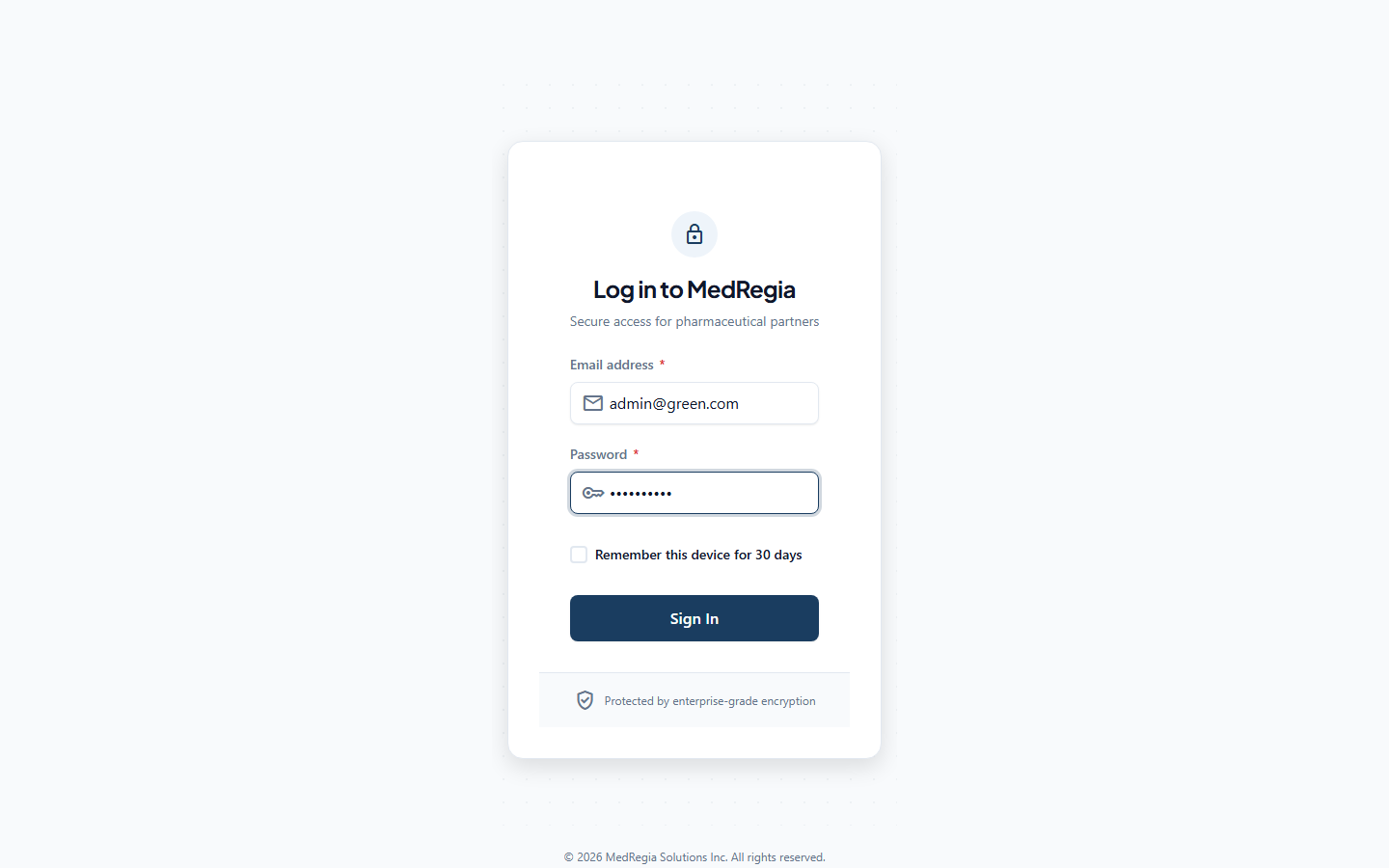
- Open MedRegia in your browser
- You will be redirected to the Login page at
/login - Enter your Email and Password
- Click Sign In
If your credentials are correct, you will be redirected to the Dashboard.
Session Duration
Your login session lasts 24 hours. After that, you will be automatically signed out and redirected to the login page.
INFO
There is no "Remember me" option — re-login is required after every 24-hour period.
Signing Out
Click your name or avatar in the top-right corner of the header, then click Sign Out.
Wrong Password
If you enter an incorrect email or password, you will see:
Invalid email or password.
Double-check:
- Is Caps Lock on?
- Are you using the correct email address?
Forgotten Password
There is no self-service password reset feature. Contact your system administrator to have your password changed via the Users management page.
Access Denied (403)
If you see a 403 Forbidden message after logging in, your user account does not have the required permission for that action. Contact your administrator to have the appropriate role or policy assigned.