
Appearance
Settings
The Settings page lets admins configure app-wide options.
Permission required:
Setting:Read(to view),Setting:Update(to change)
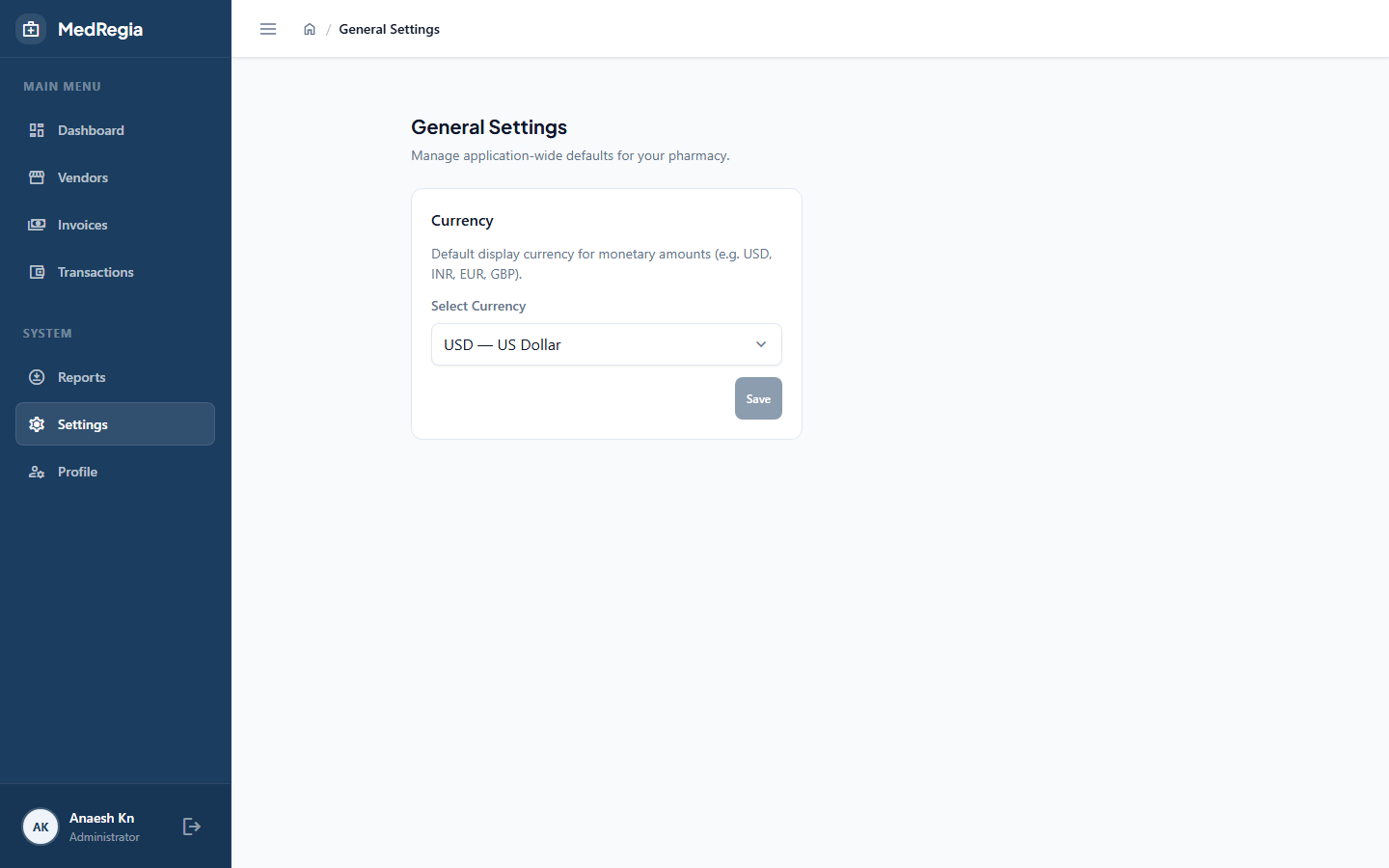
Accessing Settings
Click Settings in the left sidebar (visible to users with Setting:Read permission).
Available Settings
Currency
Key: Currency
Default: ₹
The currency symbol displayed throughout the application next to all monetary amounts (outstanding balances, invoice totals, transaction amounts).
To change:
- Click the Edit icon next to Currency
- Enter the new symbol (e.g.
$,€,£) - Click Save
The new symbol appears immediately across all pages — no refresh required.
TIP
This setting is purely cosmetic — it only affects how amounts are displayed. It does not convert any values.
Important Notes
- Settings are pre-configured — you can only update their values, not add or remove settings
- New settings can only be added by a developer via a database migration script